‘Create a DTP file that uses at least three different fonts, for example Helvetica Bold, Times New Roman Italic and Times New Roman Bold Italic. Identify where these fonts are housed on your computer and learn how to copy them to a new folder that contains your original DTP file. You may find that you have software available that helps manage your fonts. If you struggle with any aspect of this exercise, identify online tutorials that may be able to support you.’
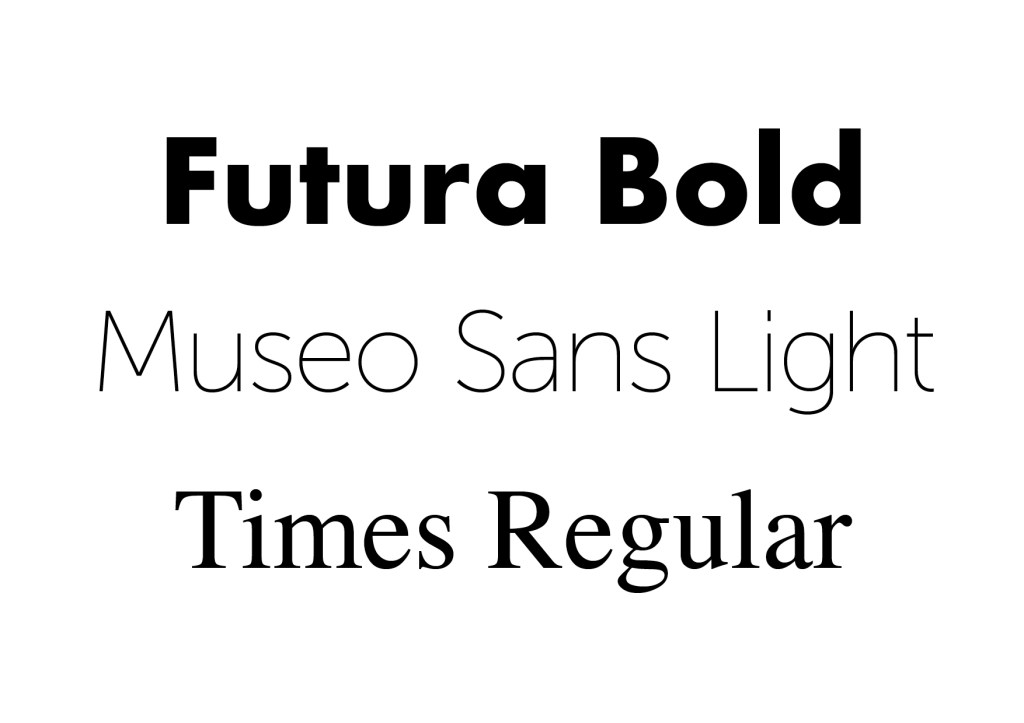
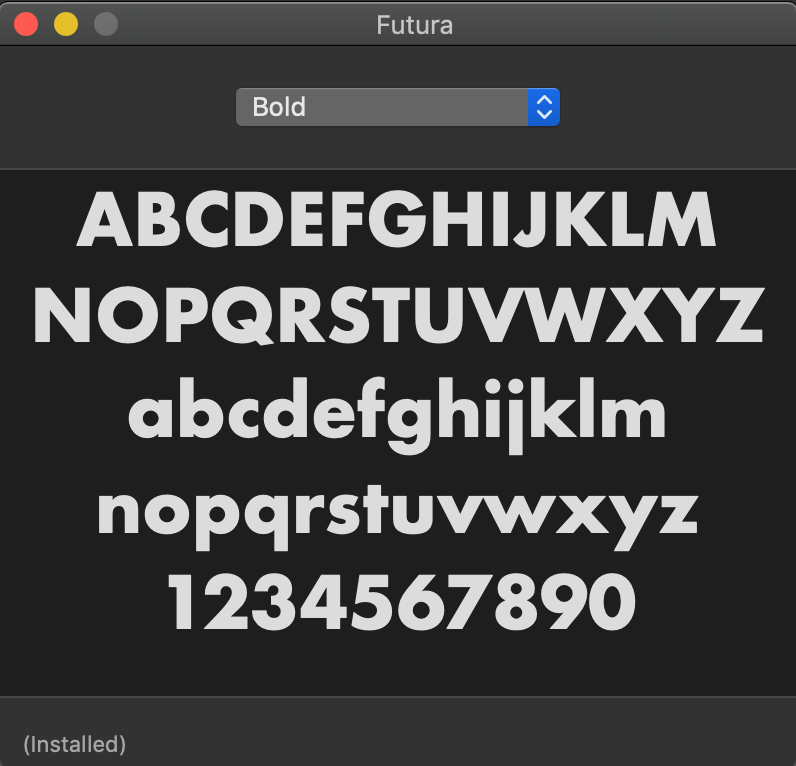
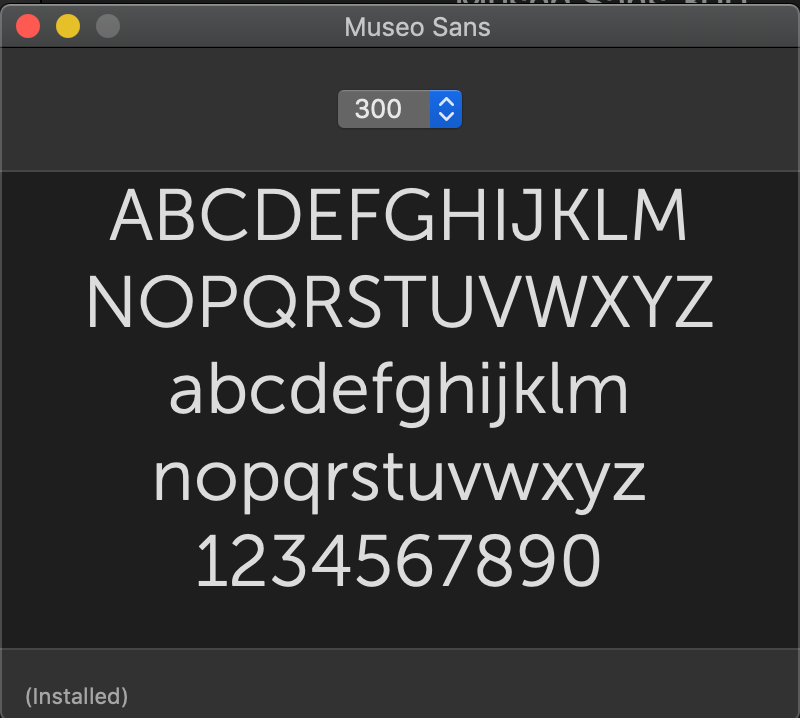
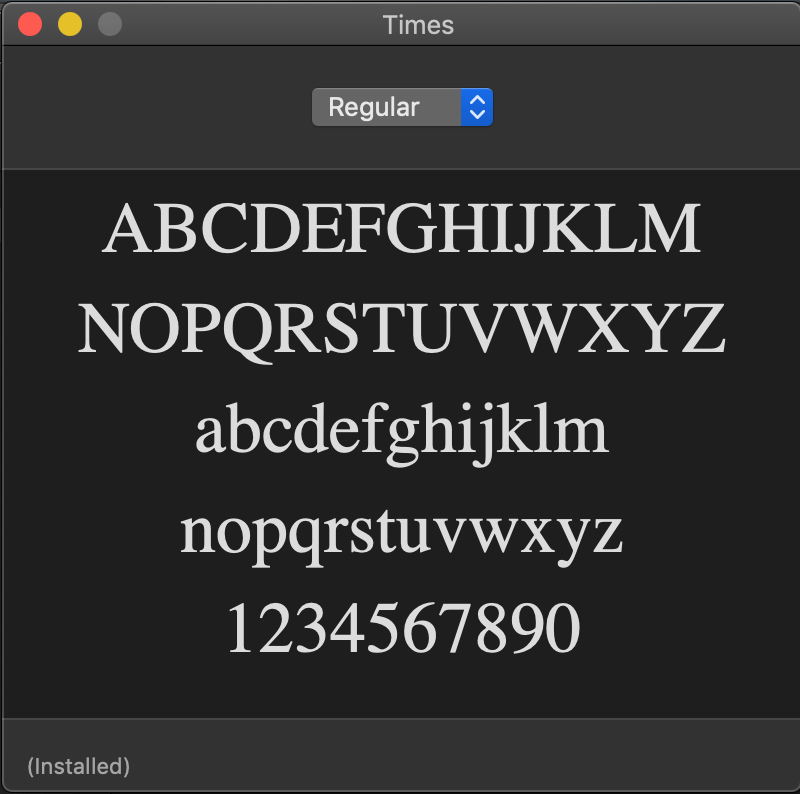
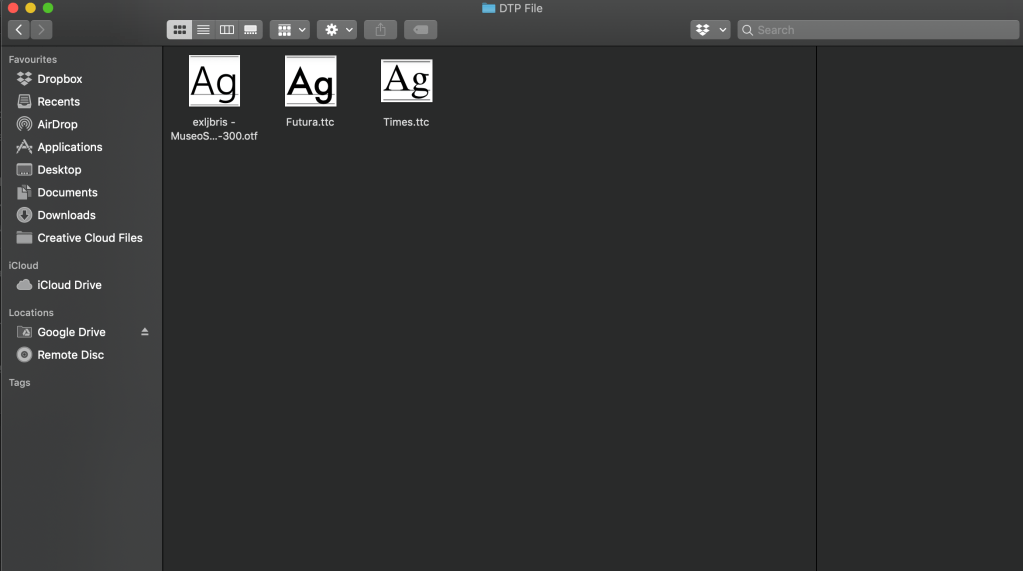
Using a Macbook, this task was very very simple. To collate me chosen fonts into one folder, I opened FontBook, and searched for my relevant fonts individually, and copied them to my chosen DTP file folder. Attached below are some simple screenshots of the process.
 Jon Lawrence Learning Log