‘Create a leaflet for a local company and get it ready for print. If possible, pick a type of company that allows you to use the resources you have to hand. For example, if you can easily take photos of your garden you might want to create a leaflet for a garden centre. On the other hand, you might choose a tool company or food takeaway.
Create your leaflet to these specifications:
- A4 landscape, folded in half to create A5
- printed double-sided
- full colour on the front
- two spot colours on the inside
- 3 mm bleed.
Do a pre-flight check of your document:
- Spell-check and proofread (use the proof marks to note any mistakes) the document.
- Ensure your bleeds and printer’s marks are in place.
- Convert images to CMYK and ensure they are at least 300dpi.
- Specify your spot colours using the Pantone system.
- Gather together the relevant image files and fonts into a digital folder.Export your document as a print-ready PDF or gather together the necessary files to send to your printer. Make a note of any information you think you need to tell the printer, for example, which Pantone colours, fonts or other instructions you need to communicate.Having gone through this rather technical process, what points do you think you need to be more aware of next time you prepare a design for print?
Export your document as a print-ready PDF or gather together the necessary files to send to your printer. Make a note of any information you think you need to tell the printer, for example which Pantone colours, fonts or other instructions you need to communicate.
Having gone through this rather technical process, what points do you think you need to be more aware of next time you prepare a design for print?
To start with on this task, my first step was to setup the document in InDesign. A5 sized with folding pages (4 pages), to create the ‘A4 landscape, folded in half to create A5’ that has been requested. In CMYK format for print, of course, and 3mm bleed.
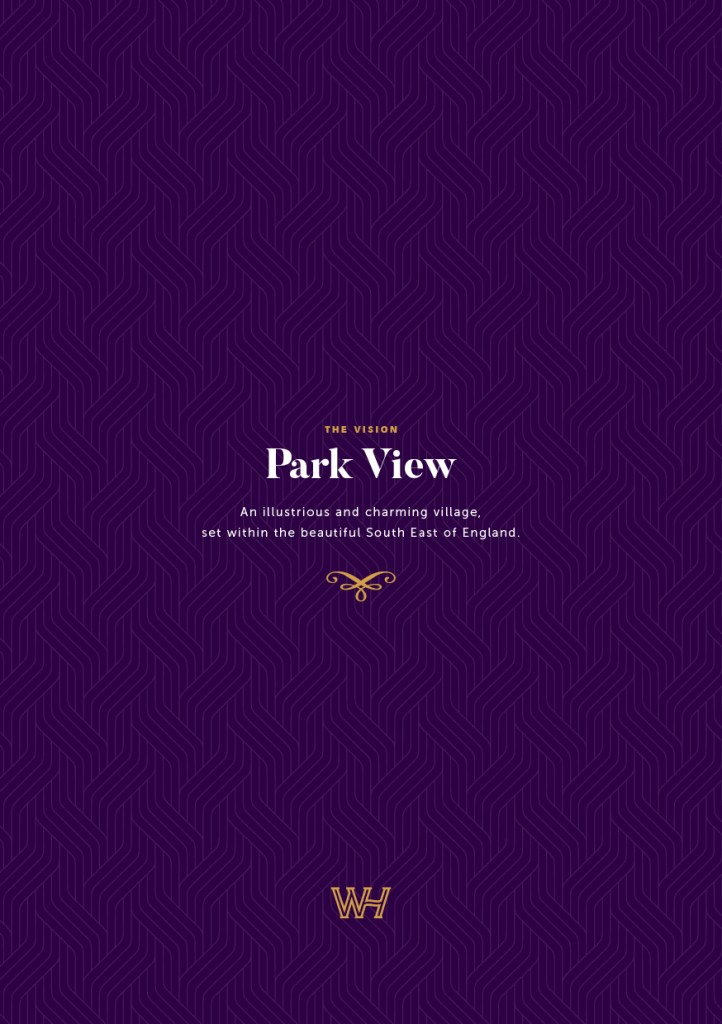
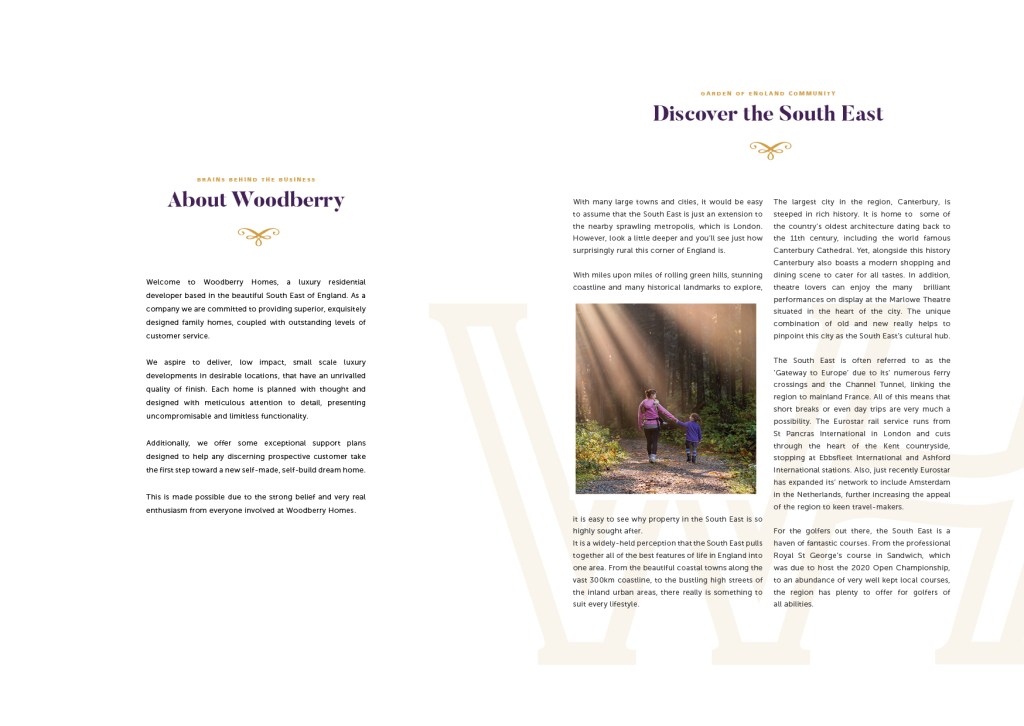
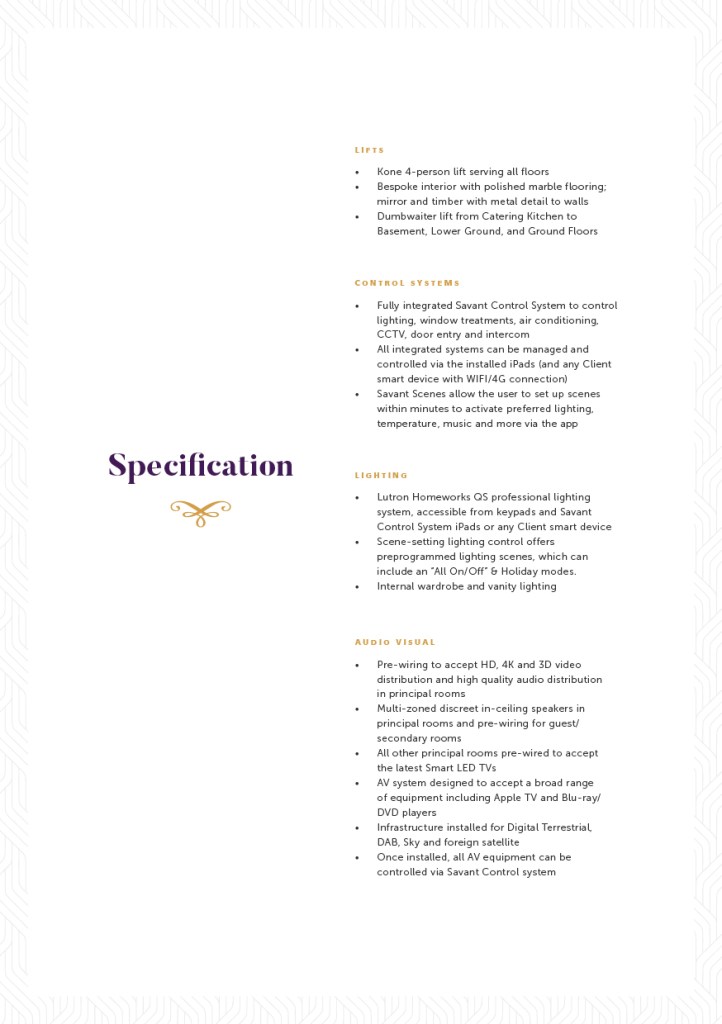
Next I decided on a small leaflet for a local housing developer I’ve done some work for. It’s a small leaflet giving a small overview on one of their projects. It gives a brief description of the company, an insight into the location of the site, and a run down of the technical spec you can expect to find.
Once all of the info and imagery had been inputted, it was onto spellchecking and proofreading. Handily, InDesign has a spellcheck feature, which I ran through and to my surprise, it threw up hardly any mistakes!
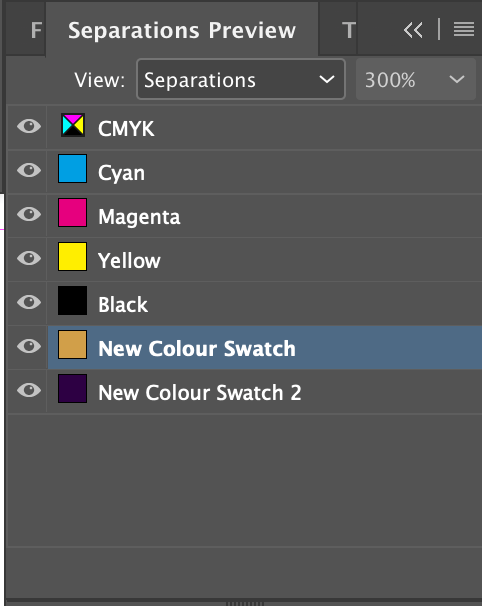
Moving on from the spell-checking, I then doubled checked my Pantone spot colours in the document.
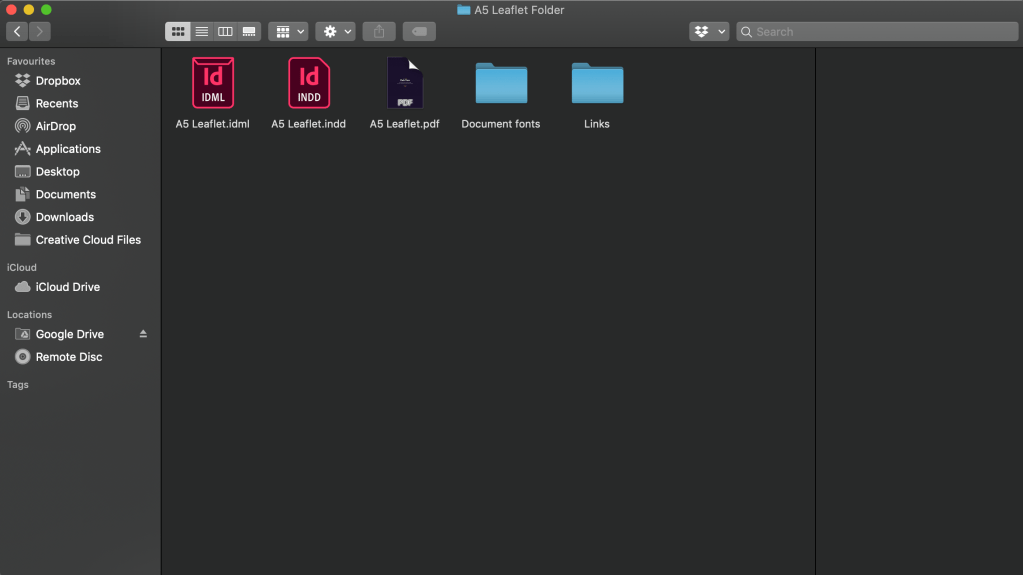
And then lastly, I used InDesign’s ‘Collect for Output’ function, which collates all the fonts and images, as well as the final print PDF into one digital folder, which can then be sent to the printer – ensuring that they have everything they need in order to successfully print your leaflet.
I think the main thing I would take from this exercise, is that I should probably pay more attention to my Pantone/spot colour swatches as these are often something I neglect, and could result in incorrect colours when printing.
 Jon Lawrence Learning Log